

Most People Get Pinterest Wrong
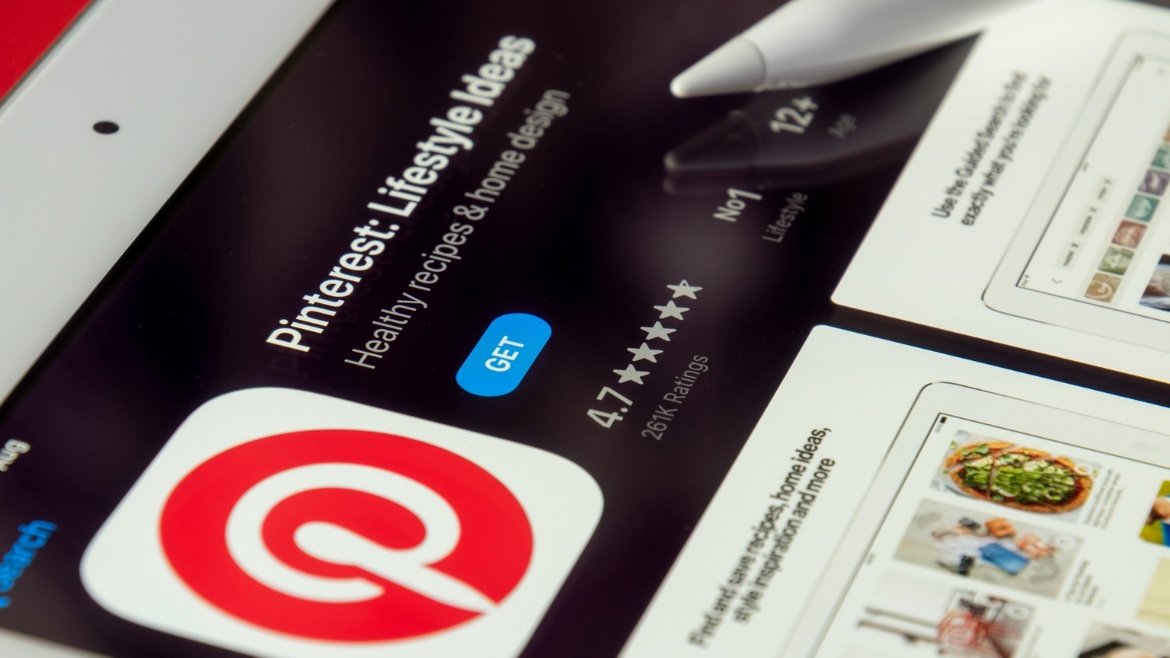
Pinterest is not Instagram. It is not a social network you scroll for entertainment.
It is a search engine. People come to Pinterest looking for ideas, and then they click through to buy them.
That distinction matters because it changes what you need to make money here. You do not need a massive following. You do not need a blog. You do not need to post every day hoping the algorithm notices you.
You need good pins linked to things people actually want to buy.
Hannah Narvey was earning over $3,000 a month from Pinterest affiliate marketing before she even had a blog. She used Pinterest’s native pin system to link directly to affiliate products and digital storefronts. That is the model this guide walks you through.
The $500/month target is achievable within three to six months for someone who shows up consistently. Let’s build the foundation first.
Can You Really Make Money on Pinterest Without a Blog?
Yes, with one clarification.
Pinterest allows direct affiliate links on pins. That means you can link straight from a pin to an Amazon product, a Canva affiliate landing page, or an Etsy shop, and earn a commission when someone clicks through and buys.
No blog required. No middleman.
The two main ways people earn on Pinterest without a blog:
- Affiliate marketing — promote other people’s products and earn a commission per sale
- Selling digital products — link pins directly to your Etsy, Gumroad, or Payhip storefront
A third path, Pinterest Creator Rewards, exists but is limited to certain regions and requires consistent high engagement. The affiliate and digital product routes are more accessible and more scalable.
What You Need Before You Start
Keep this list short on purpose. Analysis paralysis kills more Pinterest income streams than bad content does.
- A Pinterest Business account (free — takes five minutes to set up)
- A niche — one topic area you will pin consistently
- At least one affiliate program or digital product storefront
- A Canva free account for creating pins
That is genuinely it. No blog. No email list. No paid tools.
Step 1: Set Up Your Pinterest Business Account the Right Way
A personal account will not cut it. You need a Business account to access Pinterest Analytics, run ads if you choose to later, and use affiliate links without risking account suspension.
How to switch or create a Business account:
- Go to pinterest.com/business/create or convert your existing personal account under Settings
- Choose a username that reflects your niche, not your personal name, unless you are a personal brand
- Write a bio that includes your primary keyword naturally. Example: “Sharing the best home decor finds, budget room makeovers, and affiliate picks for every style.”
- Add a profile photo, a clear headshot, or a branded logo; both work
- Claim your website if you have one. If not, skip this step for now.
One thing most guides skip: your board names matter for SEO. “My Favorites” tells Pinterest nothing. “Affordable Home Office Decor Ideas” tells Pinterest exactly who to show your content to.
Name every board with searchable language before you pin a single thing.
Step 2: Pick a Niche That Pays
Not all Pinterest niches are equal. Some attract browsers. Others attract buyers.
You want buyers.
The niches below consistently produce affiliate clicks and conversions. Pick one you can create content around comfortably — interest matters because consistency matters.
|
Niche |
Avg. Commission |
Top Programs |
Pin Style |
|
Home Decor |
3–8% |
Wayfair, Amazon |
Mood boards, product pins |
|
Personal Finance |
$10–$100 flat |
Credit Karma, NerdWallet |
Quote cards, tips |
|
Beauty & Skincare |
5–15% |
Sephora, LTK |
Tutorials, before/after |
|
Online Business |
20–50% recurring |
Canva, Hostinger, ConvertKit |
How-to, tool walkthroughs |
|
Food & Recipes |
3–6% |
Amazon, Thrive Market |
Recipe cards, ingredients |
|
Fitness & Wellness |
5–10% |
Amazon, Awin brands |
Workout tips, gear |
A quick note on online business as a niche: the affiliate commissions are significantly higher. Canva pays $36 per Pro signup. Hostinger pays 40%-60% per sale. ConvertKit pays 30% recurring.
One conversion can be worth more than ten home decor clicks.
If you have experience building anything online, blogging, freelancing, or running a side hustle, this niche is worth a serious look.
Step 3: Join Affiliate Programs (Free)
Every program below is free to join. Approval time varies; Amazon and Canva are near-instant. ShareASale and Awin take a few days.
| Program | Commission | Cookie Window | Direct Link? |
| Amazon Associates | 1–10% | 24 hours | Yes |
| ShareASale | Varies by brand | 30–90 days | Yes |
| LTK (RewardStyle) | 7–20% | 30 days | Yes (with LTK link) |
| Canva Affiliate | $36 per Pro signup | 30 days | Yes |
| Hostinger | 60% per sale | 30 days | Yes |
| Etsy (Awin) | 4% | 30 days | Yes |
Two things worth knowing before you apply:
Amazon’s 24-hour cookie is short. If someone clicks your link but buys two days later, you earn nothing. For Pinterest traffic, where people often save pins and come back later, programs with 30-day cookies (ShareASale, Hostinger, Canva) convert better.
LTK is selective. LTK (formerly RewardStyle) requires an application and approval. Once you are in, it is one of the most Pinterest-friendly affiliate platforms because it generates clean, trackable links across thousands of brands.
A cookie is a small file saved on your computer when you click an affiliate link. It stores the affiliate’s ID so the merchant knows who referred you. If you complete a purchase within the cookie’s active window (say, 30 days), the affiliate earns the commission; wait longer, and the sale goes untracked.
Step 4: Create Pins That Drive Clicks
Pinterest is a visual platform. Your pin has roughly two seconds to stop a scroll.
Here is what consistently works:
- Vertical format — 1000 x 1500 pixels is the standard. Taller pins take up more feed space.
- Bold, readable text overlay — your headline on the pin should promise something specific. “17 Desk Accessories Under $30” beats “Home Office Inspiration” every time.
- High-contrast design — light background with dark text, or a strong lifestyle image with a semi-transparent text box
- Minimal clutter — one focal image, one headline, your brand name at the bottom
Canva’s free plan has everything you need. Search “Pinterest pin” in Canva and you will find hundreds of templates. Pick one that fits your niche, swap in your image and headline, and you are done.
The headline formula that gets clicks: [Number or Outcome] + [Specific Topic] + [Optional: Price or Timeframe]. Examples:
- “11 Aesthetic Desk Setups Under $200”
- “How I Earn $500/Month on Pinterest With No Blog.”
- “7 ConvertKit Features Most Bloggers Never Use.”
Create three to five pin designs per piece of content. Pinterest rewards fresh, creative — the same link with a different image and headline can perform very differently.
Step 5: Link Directly to Affiliate Products or Your Digital Storefront
This is where the money actually comes from.
When you create a pin in Pinterest, there is a destination URL field. That is where your affiliate link goes.
A few rules that will save you headaches:
- Disclose affiliate relationships. Add “#affiliate” or “This pin contains affiliate links” to your pin description. Pinterest requires it. The FTC requires it. It also does not hurt your click rate; people on Pinterest expect curated product recommendations.
- Do not use link shorteners like bit.ly on Pinterest pins. Pinterest’s algorithm flags shortened links. Use your raw affiliate URL.
- For Amazon links specifically, use your full Amazon Associates link. Do not link to a general Amazon search page.
If you are selling digital products, link your pins directly to your Etsy listing, your Gumroad product page, or your Payhip storefront. You do not need a website in between.
Step 6: Post Consistently Using a Simple Schedule
Consistency on Pinterest does not mean posting fifty pins a day. It means showing up regularly with fresh content.
A sustainable starter schedule:
- 5–10 pins per day minimum
- Mix your own affiliate pins with re-pins of relevant content from others (roughly 80/20 own to repinned)
- Pin across multiple boards — do not post the same pin to fifteen boards in one session. Space it out over a few days.
Tailwind is the tool most serious Pinterest marketers use for scheduling. The free plan allows thirty pins per month, enough to test before committing. Once you are earning, the paid plan ($14.99/month) pays for itself quickly.
If you are doing this manually, pin at peak times: evenings between 8–11 pm in your target audience’s timezone tend to perform best.
Step 7: Track What Works and Double Down
Pinterest Analytics is free with a Business account. Check it weekly, not daily.
The metrics that actually matter:
- Outbound clicks — how many people clicked through to your affiliate link or storefront. This is your money metric.
- Click-through rate (CTR) — outbound clicks divided by impressions. Anything above 0.5% is solid for affiliate pins.
- Top performing pins — find your three best pins each month and create five variations of each.
The compounding effect on Pinterest is real. Pins do not expire the way Instagram posts do. A pin you created six months ago can start gaining traction today if it gets saved and reshared.
One strong pin in a high-buying-intent niche can drive hundreds of clicks per month, indefinitely.
How Long Until You Hit $500/Month?
➣ Month 1–2: Setup + learning phase. Expect $0–$50. Focus on pinning consistently and finding your top-performing content.
➣ Month 3–4: Traction starts. $50–$200/month is common once you have 200+ pins live and a few strong performers.
➣ Month 5–6: Compounding effect kicks in. $200–$500+/month as top pins keep circulating.
➣ Month 6+: With 500+ pins and optimized boards, $500/month is a realistic baseline — not a ceiling.
The timeline is honest: Pinterest is not a get-rich-quick platform. But it is one of the few free side hustles where old content keeps earning. A pin you made in January can still be driving clicks in December.
The people who hit $500/month fastest are the ones who pick a buying-intent niche, use affiliate programs with 30-day cookies, and pin consistently for at least 90 days before drawing conclusions.
Start Before You Feel Ready
There are people earning $500, $2,000, and even $5,000 a month on Pinterest without a blog. The formula is not complicated.
Pick a niche with buying intent. Join two or three affiliate programs with strong commissions and 30-day cookies. Create pins with specific, benefit-led headlines. Post consistently for 90 days.
That is the whole game.
The only thing that separates people who do this from people who mean to is starting before everything feels perfect. Your first twenty pins will not be your best. Pin them anyway.
The compounding starts the day you post your first pin, not the day you feel ready.